DevOps for Developers - Monitoring
You are happy you created a release.
Even happier your release has been approved and is on its way to production.
How do you check the release is released?
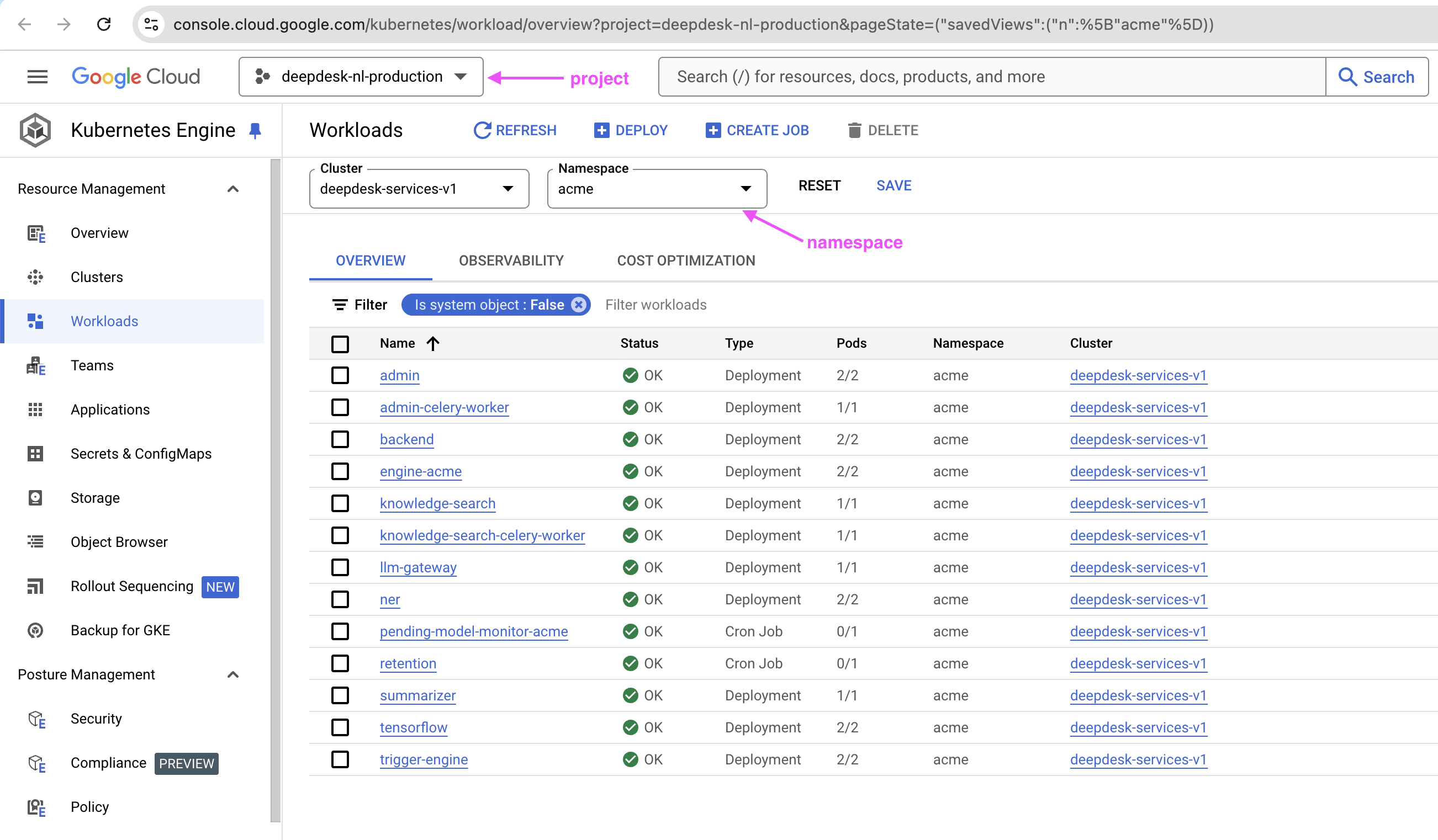
In GKE (Google Kubernetes Engine) interface, you can see the name of the pods, and you can filter by Namespace for example acme at this URL: https://console.cloud.google.com/kubernetes/workload/overview?project=deepdesk-nl-production&pageState=("savedViews":("n":["acme"])
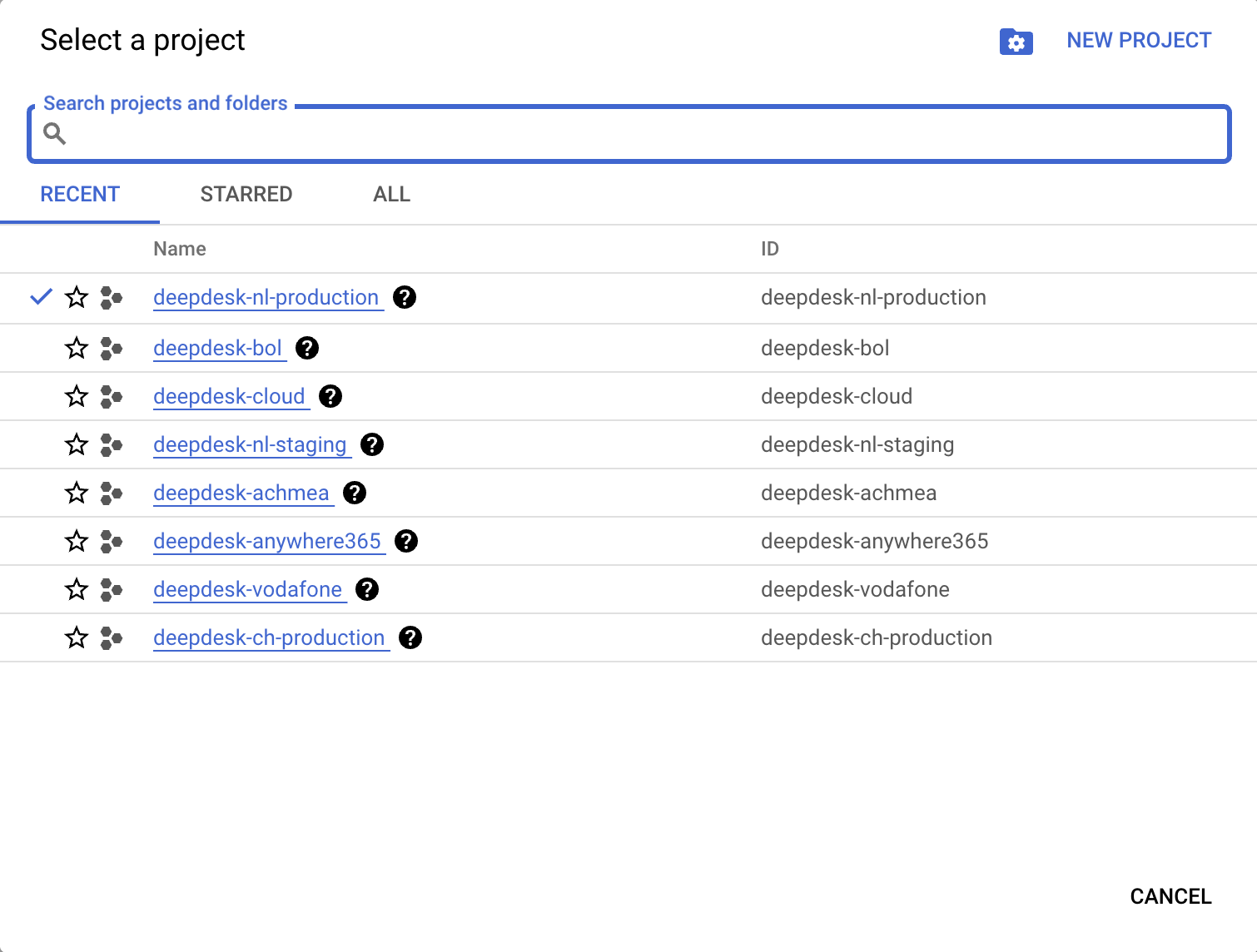
This URL loads "Workloads" for deepdesk-nl-production project. You can change project from the dropdown at the top left:
How do you monitor things did go as planned?
Or confirm things didn't go wrong?
RabbitMQ
https://rabbitmq.nl.deepdesk.com/#/
What metrics to look at?
How to detect issues?
Logs Explorer
Ronald had done an explainer on using the interface.
I think more than the Logs Explorer itself, how to decide which "Project" to filter on, and why. How does Deepdesk organise these projects? I.e. these: